Learning and Performance, Professional Development, Training & Development

Twitter to Enhance Learning & Performance

Twitter provides the opportunity to have micro-conversations in 140 characters or less. This social media platform has been repurposed by a number of educators for workplace learning. Twitter is not the only form of professional development available and you do not have to tweet to learn.  That being said, an increasing number of educators have repurposed and remixed Twitter for work learning and performance. You would be surprised what 140 characters can do to create community and interaction online. A number of grassroots initiatives have developed for educators to consider Twitter as part of their professional development plans for informal learning, scholarly development, and shared practices. For me, the last seven years spent on Twitter has been invaluable. This platform continues to provide an open, informal learning space to collaborate and banter with a community of educators. Thanks for that, Larry.

Twitter Bird in the Lattice

Flickr photo c/o Brian Kopp

Twitter is really the “water-cooler” for educators to share news, post reports/trends, read the news, review research, ask questions, gather information, and curate knowledge. Educators are increasingly expressing ideas and links to relevant websites, videos, articles, images, etc. related the workforce.  This commentary and resources were shared for my own learners and other training participants who want to “get started” with workplace learning and performance – so I welcome your shared suggestions for helpful Twitter resources and tips in the comments below.

The Twitter Basics:

Hashtags & Backchannels

GotHashtag

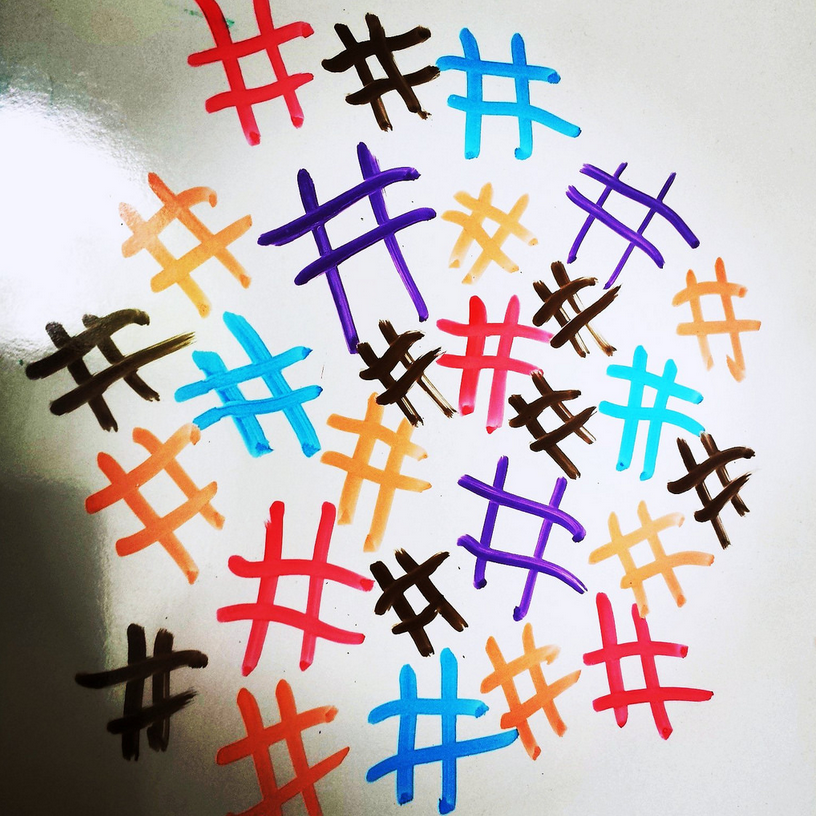
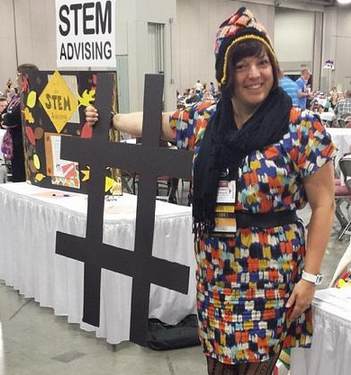
Hashtag: A symbol used in Twitter messages, the # symbol, used to identify keywords or topics in a Tweet. The hashtag was an organic creation by Twitter users as a way to categorize Twitter messages and link keywords posted on Twitter. Besides a current event or pop culture reference, Twitter has been an essential part of the conference tool kit to support sharing on the backchannel. You no longer have to be in-person to engage in the workshops, presented talks, or round table discussions via the live experience. There’s now a full stream of activity created around single hashtags for professional development and workplace learning events.

Here are just a few Hashtags to SEARCH and Follow:  

  • #AcWri (academic writing)
  • #highered
  • #digped
  • #edtech and #onlinelearning
  • #phdchat and #gradchat and #SAdoc
  • #Open and #OER and #openaccess
  • #acadv (academic advising)
  • #StudentAffairs and #sachat
  • And MORE!
  • P.D. hashtags related to your field and conferences, e.g. 2015 Education and Ed Tech Conferences [Psssst… you can add to it if  I’m missing any!]

What Is a Twitter Chat and How to Make the Most of ItTwitter chats are threaded discussions using a hashtag to dialogue about a specific subject.Twitter chats are linked conversations via a single hashtag that participants can search, follow, and include in their own Tweet as they respond during the Twitter chat time. Twitter chats are similar to online chats, forums, or discussion boards; however, they are often synchronous and active during a designated date and time. The hashtag for many chats continues past the “live” event on Twitter for others who want to share and engage. Some Twitter chats guide the discussion or have open topics central theme, while others Twitter chats are moderated in a structured question-response format. E.g. Edu Chat Calendar http://bit.ly/educhatcalendar and the Twitter Directory from IHE. 

Other Twitter Tips & Resources:

ACPAdigital, StudentAffairs

ACPA Digital Task Force: Report and Higher Ed Live Discussion

Last year I was invited to join the ACPA Digital Task Force – so you might have read a few blogs (here, here, here, & here) about my involvement or tweeting about the issues we were working on using the hashtag #ACPAdigital

The Role of Digital Technology in Higher Education.
Direct Video Link http://videos.myacpa.org/the-role-of-digital-technology-in-higher-education

The former ACPA President, Kent Porterfield, in conjunction with the ACPA Board of Governors and International Office established the ACPA Digital Task Force (#ACPAdigital). The #ACPAdigital group, led by Ed Cabellon and Tony Doody, was charged with “understanding how to advance the application of digital technology in higher education, informed by student affairs scholarship and practice, to further enhance ACPA’s influence and its role as a leader in higher education in the information age.

taskforce_draft

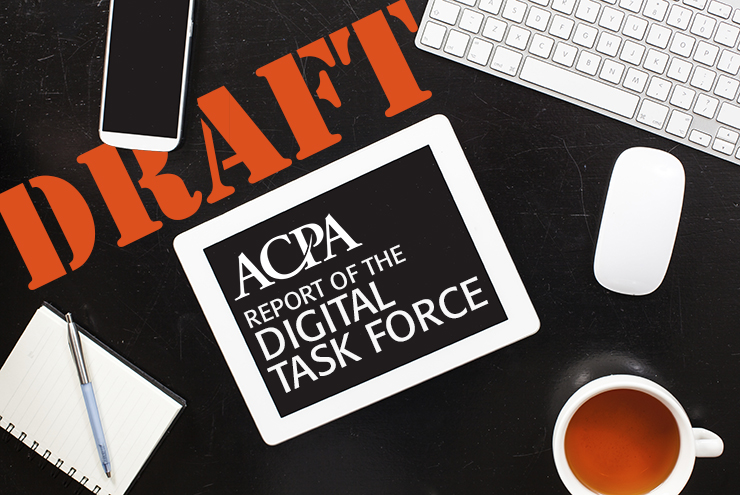
Last week ACPA shared the Draft Report and Recommendations document, which included our contributions made over the last nine months. Each sub-group of the taskforce researched and/or worked on various projects to provide insights for student affairs educators in the follow areas:

  • Scholarship and Research
  • Teaching and Learning
  • Organization Infrastructure of ACPA

Here are the emergent themes from the#ACPAdigital report:

  1. Integrate digital technologies that advance teaching and learning within higher education.
  2. Design training and development opportunities to enhance college student educators’ use of digital technologies.
  3. Invest in the creation and dissemination of research and scholarship in digital technologies.
  4. Develop the infrastructure and resources appropriate to ensure sustainability and relevance in digital technologies.
  5. Establish and grow strategic collaborations and partnerships to capitalize on existing resources for higher education.
  6. Ensure equal opportunity to the resources necessary for full engagement with digital technologies.

Please read and review the FULL REPORT, and provide any comments you have to Tony or Ed. We would love to get your feedback, questions, and thoughts on the draft.

UPDATED (April 1, 2015):

Learn more about this report from the Higher Ed Live show (4/1/15) as the #ACPAdigital Task Force chairs discuss our work, the draft report, and how digital will impact student affairs educators on The Future of Digital Education show. Please follow @HigherEdLive & all the tweets from #HigherEdLive and #ACPAdigital. READ: The show “Notes” (tweets) on Storify. Or WATCH the recording here:

Blended Learning

Blended Learning Interactions #Blendkit2015

Thanks to Kelvin Thompson & his crew for the invitation to join the 2nd week of the University of Central Florida‘s Blendkit Course (#Blendkit2015): Blended Interactions

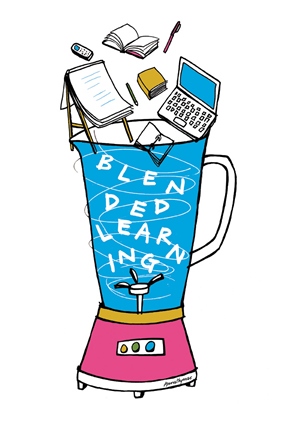
Week #2’s readings [Blendkit- Chapter 2] discussed the role of the faculty in blended learning environments, specifically with regards to facilitation of learner interactions. Instructors have the ability to encourage self-directed  and connected interactions in their blended learning courses. Suggestions from the readings include considerations for the atelier, concierge, and curatorial learning models to empower students.  It is critical to outline roles and responsibilities for expected engagement and to guide intentional interactions among learners.

Blended-learning1

In the open Q & A session this week with Dr. Leslee D’Amato-Kubiet and myself, we discuss technology-mediated interactions in blended settings, but more importantly the organization, design, and considerations for encouraging meaningful interactions among our students AND ideas to explore potential strategies for creating blended interactions.

Questions

  1. What are some best practices to generate high levels of student-to-student support? How does one put some of the burden for performance support into a peer-support model where they help each other? Does badging for this coaching help? What are some things to avoid (like competition)?
  2. How can I know for certain that my students are comfortable in an e learning environment. If I sense that some of them are just not so comfortable, how can I address their concerns while maximizing the electronic components of my hybrid course? And promote online interaction?
    1. Every student has a different level of comfort with self-expression in a course environment. What are some strategies for eliciting student expression in a blended course design?
  3. In which aspects should you pay attention as a teacher to determine which technological tools work best looking for minimal or guided learning? What skills should have the teacher to decide what role (atelier, concierge, curatorial, etc.) taken with their students?
    1. Does class size influence your decisions and expectations for student-to-student and student-to-instructor interactions?
  4. Student-to-Instructor Interactions – Is it “bad” to have canned comments and replies for grade feedback, discussion posts, and course mail?
  5. As a K-12 administrator, I have concerns that the mastery model that blended learning requires will be embedded at our level but not translate to higher ed. Can you give your thoughts?

Tweets from Monday’s (3/9/15) #Blendkit2015 via Storify.

blendkit

More About #Blendkit2015: The BlendKit Course is a set of subject matter neutral, open educational resources related to blended learning developed by Dr. Kelvin Thompson and available for self-study or for group use. Periodically, these materials will also be used as the basis for a facilitated open, online course. 

The goal of the BlendKit Course is to provide assistance in designing and developing your blended learning course via a consideration of key issues related to blended learning and practical step-by-step guidance in helping you produce actual materials for your blended course (i.e., from design documents through creating content pages to peer review feedback at your own institution).

Want to join the Blendkit Course or follow along with the course content?

EdTech, Horizon Report, Learning Technologies

What’s On the Horizon [REPORT] – 2015 Higher Ed Edition

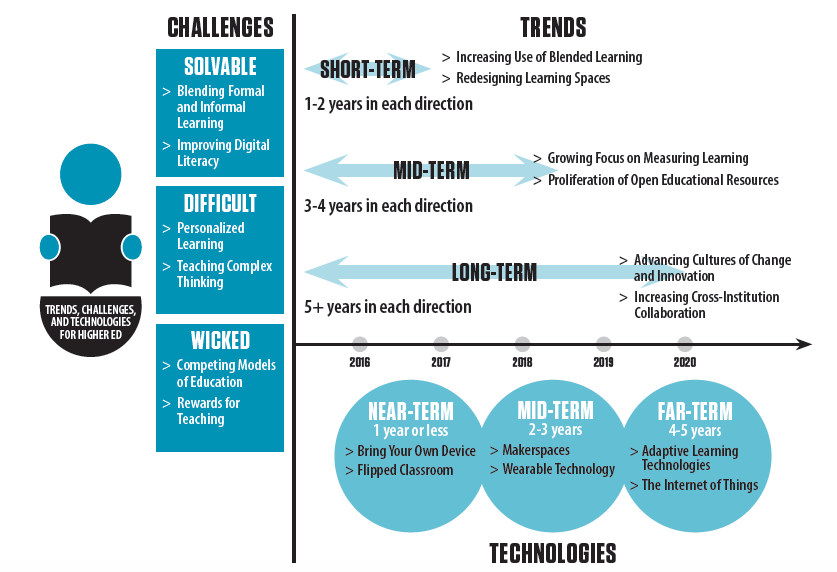
The New Media Consortium (NMC) just put out the NMC Horizon Report – 2015 Higher Education Edition last week to share what is ahead in technology and learning in post-secondary for the next few years. This report identifies the trends, challenges, and specific technologies we might see in higher ed over the next 1-5 years.


TopicsHR2015


Image c/o Johnson, Adams Becker, Estrada, & Freeman (2015)

Key trends expected to be adopted in educational technology in higher ed (from the report) include:

  • Evolution of online learning
  • Rethinking learning spaces – what our learning environments and mediums are
  • Increasing focus on open educational resources (FINALLY. Hello, OER!)
  • Rise of data-driven learning and assessment (the good, the bad & the ugly)
  • Agile approaches to change (Really? Where? Sign me up, Higher Ed!)
  • growing important of open communities and university consortia (Looking forward to this)

Significant challenges impeding ed tech adoption in the post-secondary education realm include:

  • Adequately defining and support digital literacy
  • Blending formal and informal learning
  • Complex thinking and communication
  • Integrating personalized learning
  • Competition from new models of education (dare I say MOOCs)
  • Relative lack of rewards for teaching (duh!)

Important developments in educational tech for higher ed include:

  • Bring your own device (BYOD) – I think it’s because we had to…
  • Flipped classroom
  • Makerspaces
  • Adaptive learning technologies
  • The Internet of things

If you work in learning technologies or distance education, much of this report is not “new” – however it gives some insights and examples of what is ahead in the post-secondary landscape. If you working in higher education, I suggest you DOWNLOAD and review your own copy. Not all these trends and predictions are surprising  – but it is always good to know what others are working on in the field of #edtech. Happy reading!

Reference

Johnson, L., Adams Becker, S., Estrada, V., & Freeman, A. (2015). NMC horizon report: 2015 higher education edition. Austin, Texas: The New Media Consortium.